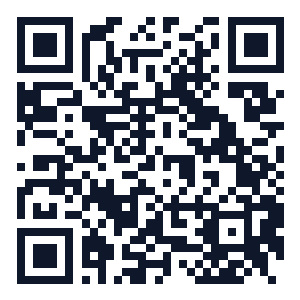
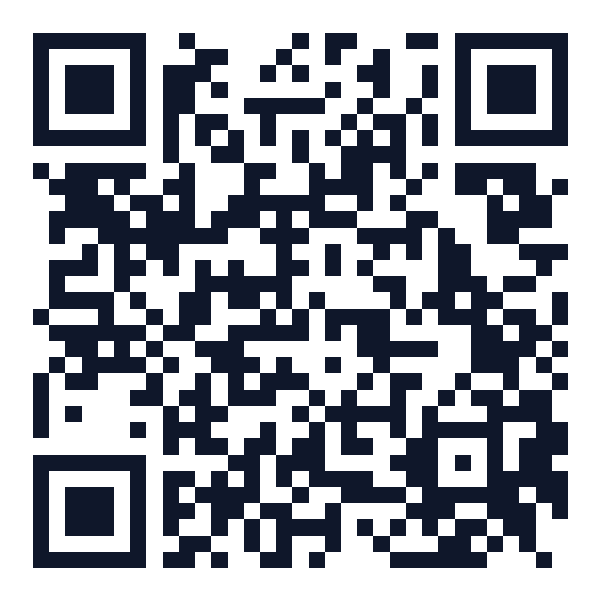
Sign-up QR
Scan to create a new Taska account.
Scan to open Taska
Open Sign-upCreating an account is free. You only pay when you accept a Tasker's offer.
Create your accountPoint any phone camera at a code — it opens the right Taska screen instantly.
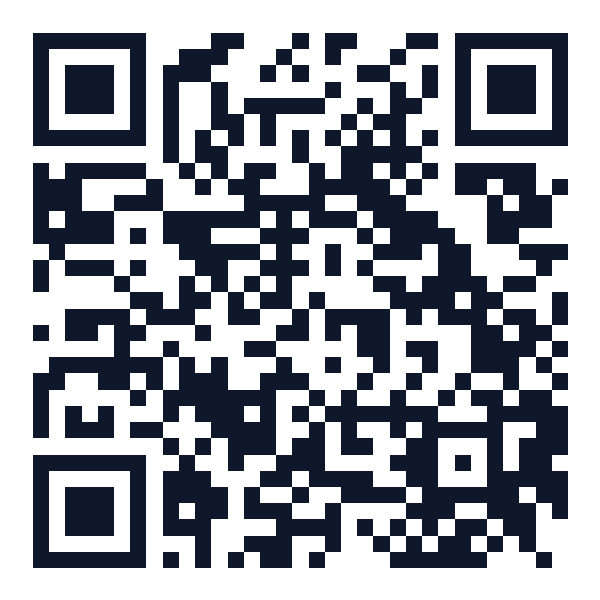
Sign-up QR
Scan to create a new Taska account.
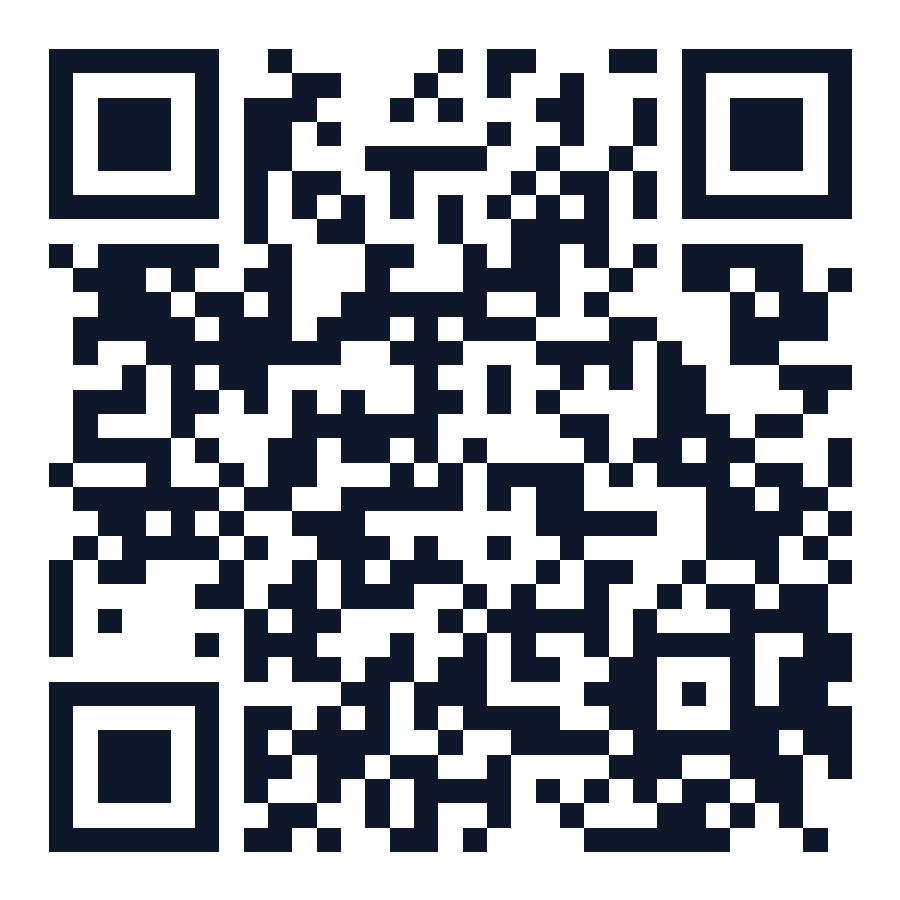
Scan to open Taska
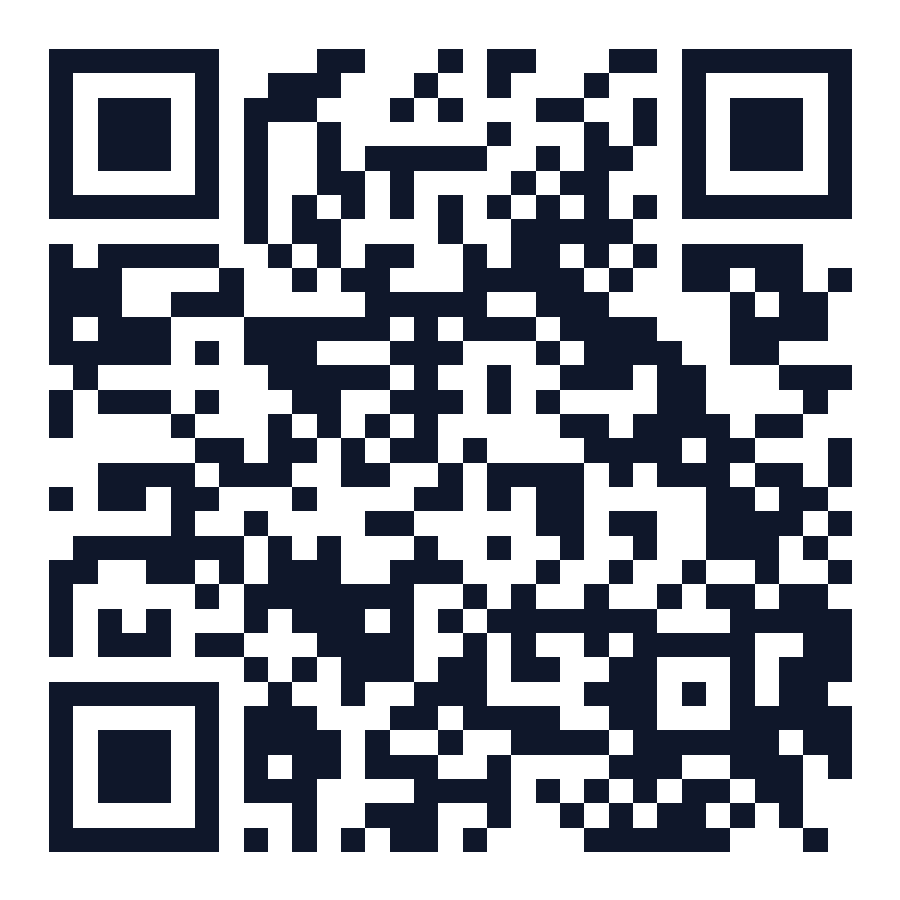
Open Sign-upLogin QR
Scan to sign in to Taska.
Scan to open Taska
Open LoginInstall Taska as an app
On Android: open the browser menu and tap “Install app”. On iPhone: tap Share, then “Add to Home Screen”. Taska then opens full screen with its own icon.
1. Tap “Create an account”
On the sign-in screen, choose “New to Taska? Create an account”, or continue with Google for the fastest route.
2. Enter your name, email and password
Use an email you check often and a password of at least 8 characters. Tick the box to accept the Terms & Conditions and Privacy Policy.
3. Confirm your email
We send a confirmation link. Open it from your inbox (check spam too) to activate your account.
4. Sign in
Return to the sign-in screen, enter the same email and password, and you're in. Google users just tap “Continue with Google”.
Post your first task
Describe the job, set a Naira budget and receive offers from verified Taskers near you.
Browse Taskers first
Prefer to look around? See open tasks and Tasker profiles in your area before you commit.
Verify your identity
Optional NIN verification unlocks more trust, higher-value tasks and faster payouts.
Turn on two-factor authentication in Settings for an extra layer of account protection.
Keep your conversations and payments inside Taska to help protect your transaction.
Check your spam or promotions folder, then try creating the account again. We can resend the confirmation link.
Resend confirmation emailPasswords are case sensitive and must meet Taska's password requirements. If you signed up with Google, use Continue with Google instead.